
Measure Ad Efficiency with More Confidence
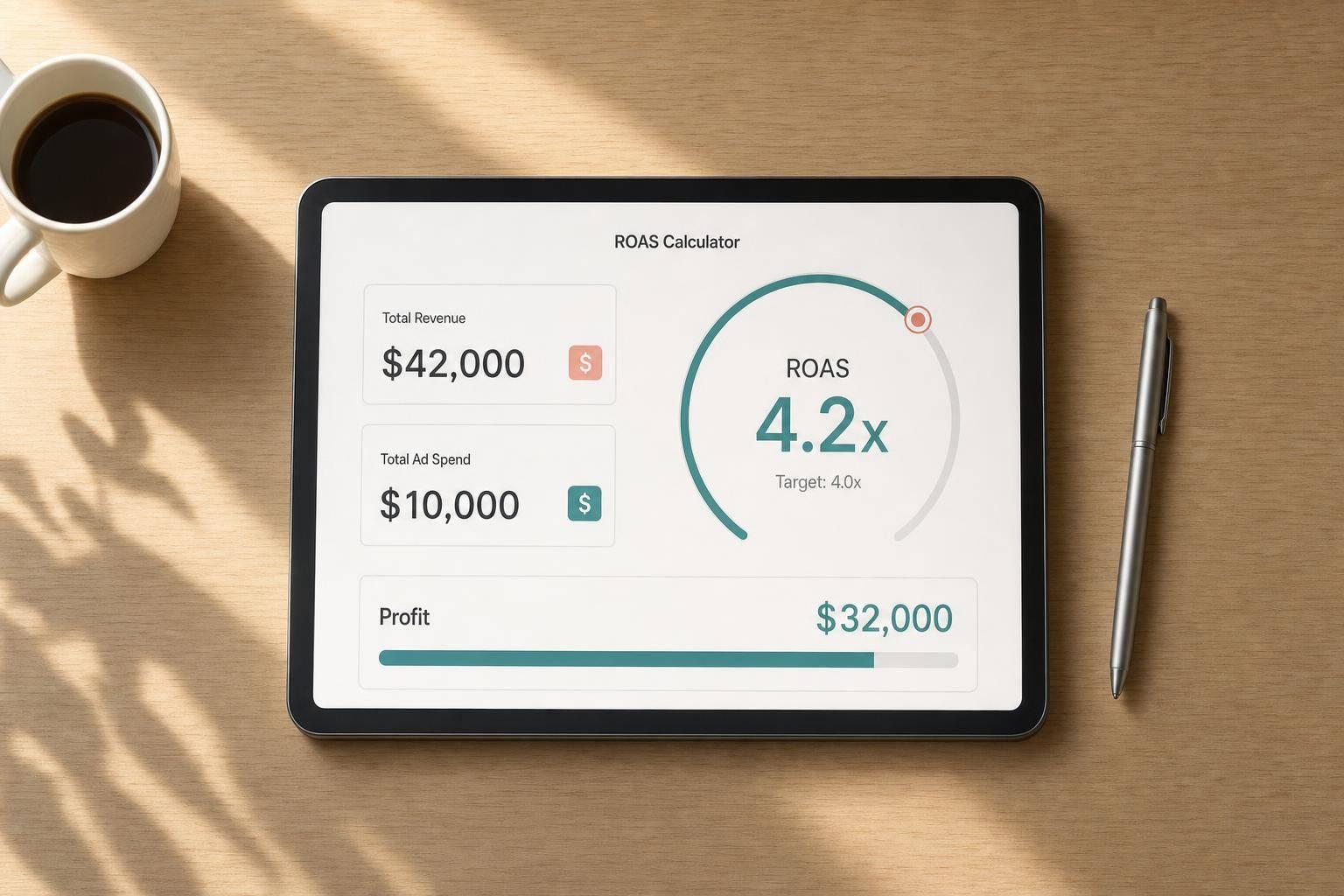
A ROAS calculator helps marketers answer one of the most important performance questions fast: how much revenue did advertising generate compared with what was spent? When you can see that number clearly, it becomes much easier to judge campaign efficiency, set realistic goals, and decide where to scale. This tool keeps the process simple by calculating return on ad spend from revenue and ad spend, then showing the result as both a ratio and a percentage.
More Than a Basic Ad Spend Calculation
Strong performance analysis goes beyond a single metric. That’s why this tool also supports optional cost inputs such as cost of goods sold and other campaign expenses. While those values do not change ROAS, they add useful profitability context by showing net profit and profit margin. For marketers, founders, and media buyers, that extra layer can prevent misleading reads on campaigns that look strong on revenue alone.
Built for Quick, Practical Decisions
Whether you’re reviewing paid social, search, or marketplace ads, a good return on ad spend calculator should be fast, clear, and easy to trust. This one recalculates instantly, supports decimal inputs, compares actual results against a target, and explains the formulas in plain English so the numbers are easy to act on.
FAQs
What is ROAS, and how is it different from ROI?
ROAS stands for return on ad spend. It measures how much revenue you generate for every dollar spent on advertising, using the formula revenue divided by ad spend. ROI is broader because it usually accounts for all costs and looks at overall profitability. If you want to know ad efficiency, ROAS is the right metric. If you want a fuller picture of profit after expenses, the optional cost fields in this tool help add that context.
What counts as a good ROAS?
A good ROAS depends on your margins, business model, and growth stage. For one brand, 2x might be sustainable. For another, anything under 4x could be too low once product costs, fees, and overhead are considered. That’s why this calculator includes an editable target ROAS input. You can compare actual performance against your own benchmark instead of relying on a generic number that may not fit your business.
Why does the tool ask for optional costs if ROAS only uses revenue and ad spend?
Because ROAS alone doesn’t tell the whole story. A campaign can show a strong return on ad spend and still be unprofitable once product costs and other expenses are included. The optional cost of goods sold and other campaign costs fields let you see net profit and profit margin alongside ROAS. That gives you a more grounded view of whether a campaign is truly helping the business, not just generating top-line revenue.